
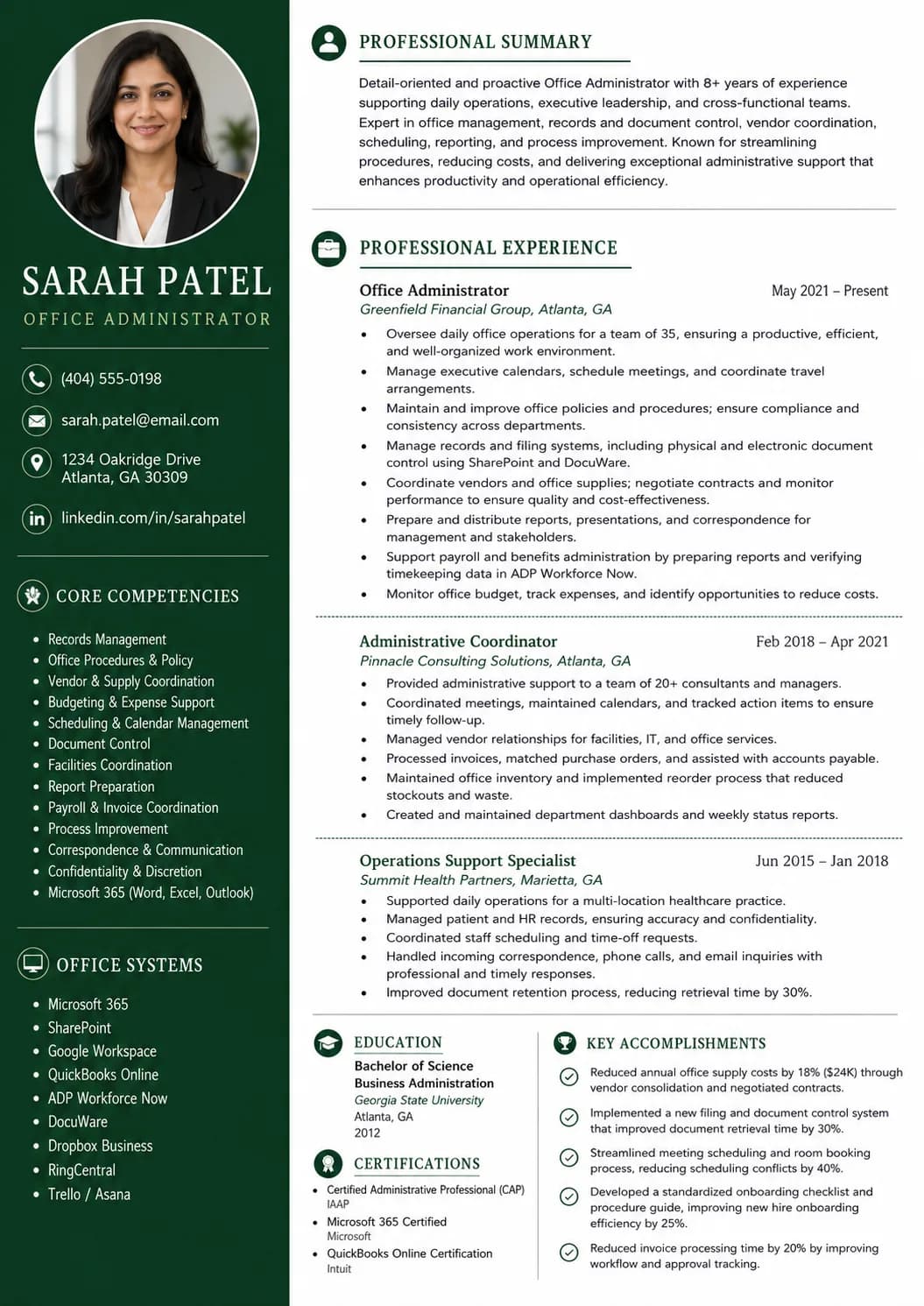
Entry-level office administrator
- Contact information
- Resume summary
- Transferable office support experience
- Skills
- Education
- Systems or training
Use these office administrator resume examples to show records, scheduling, and office support in a clear way.
Office Administrator
nina.patel@email.com | (813) 555-2486 | Tampa, Florida | linkedin.com/in/nina-patel-officeadmin
Office administrator with 4 years of experience supporting records, schedules, expense tracking, and daily office coordination for busy teams. Strong record of accurate data entry, steady follow-up, and reliable support across office systems.
Office Administrator, Brookside Distribution
Tampa, Florida | 2022 - Present
Administrative Coordinator, Larkspur Services
Tampa, Florida | 2020 - 2022
An office administrator resume should show that you can keep records, schedules, and daily office requests under control. Hiring teams want clear proof that you can support people, paperwork, and office systems without losing accuracy.
Quick breakdown
It shows practical office administration instead of broad admin filler.
It makes records, scheduling, finance support, and follow-through easy to find.
It balances office coordination with accuracy and systems knowledge.
It keeps the writing simple and believable.
Fast template guide
Do not copy the resume word for word. Copy the structure, the section order, and the level of specificity so your own version feels just as credible.
A summary that shows records, scheduling, and office support early.
Experience bullets that connect payroll, orders, expense tracking, or supplier follow-up to reliable office support.
Skills grouped around office systems, spreadsheets, communication, and finance support.
Examples of employee records, calendars, bank deposits, or process support written in plain language.
A clean layout that makes office reliability easy to scan.
Build the right structure
A strong office administrator resume should include the sections employers expect to scan quickly, plus a few optional sections that help you prove readiness when your experience is still growing.
Must-have sections
Optional sections that strengthen the resume
If direct office administrator work is limited, office assistant, administrative assistant, receptionist, store admin, or coordinator roles can still help when they show records, scheduling, finance support, or supplier follow-through.
Smarter ordering
The best section order depends on your experience level. A new office administrator should not use the same structure as a senior candidate with years of results.
Move payroll, deposits, expenses, orders, or supplier support higher when the target role leans toward office finance and records control.
Use this mid-career office administrator example to study how process ownership, office reporting, and coordination become stronger.
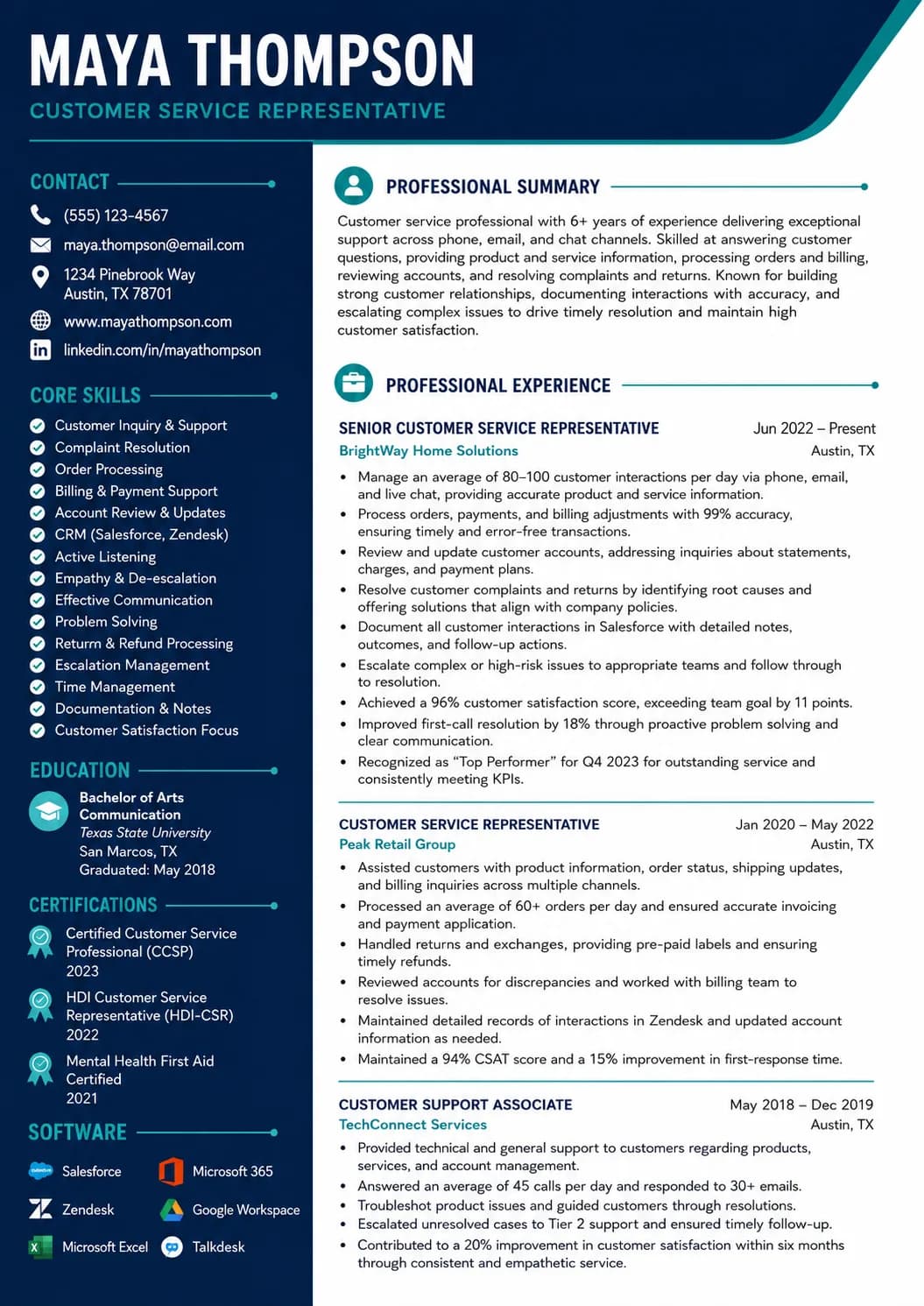
Use these customer service representative resume examples to show issue resolution, system use, and clear customer support in a simple way.
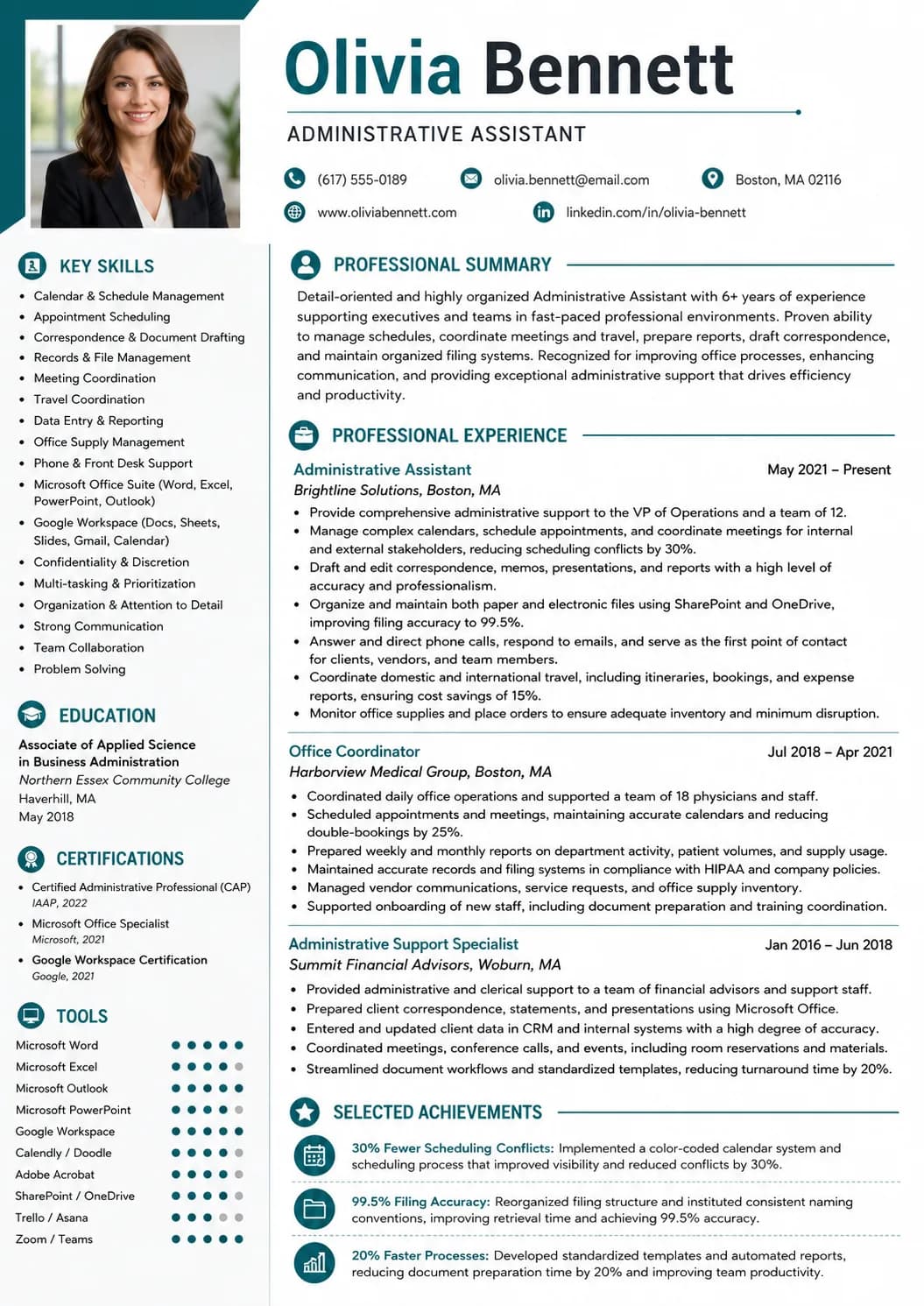
Use these administrative assistant resume examples to show schedules, documents, and daily office support in a clear way.
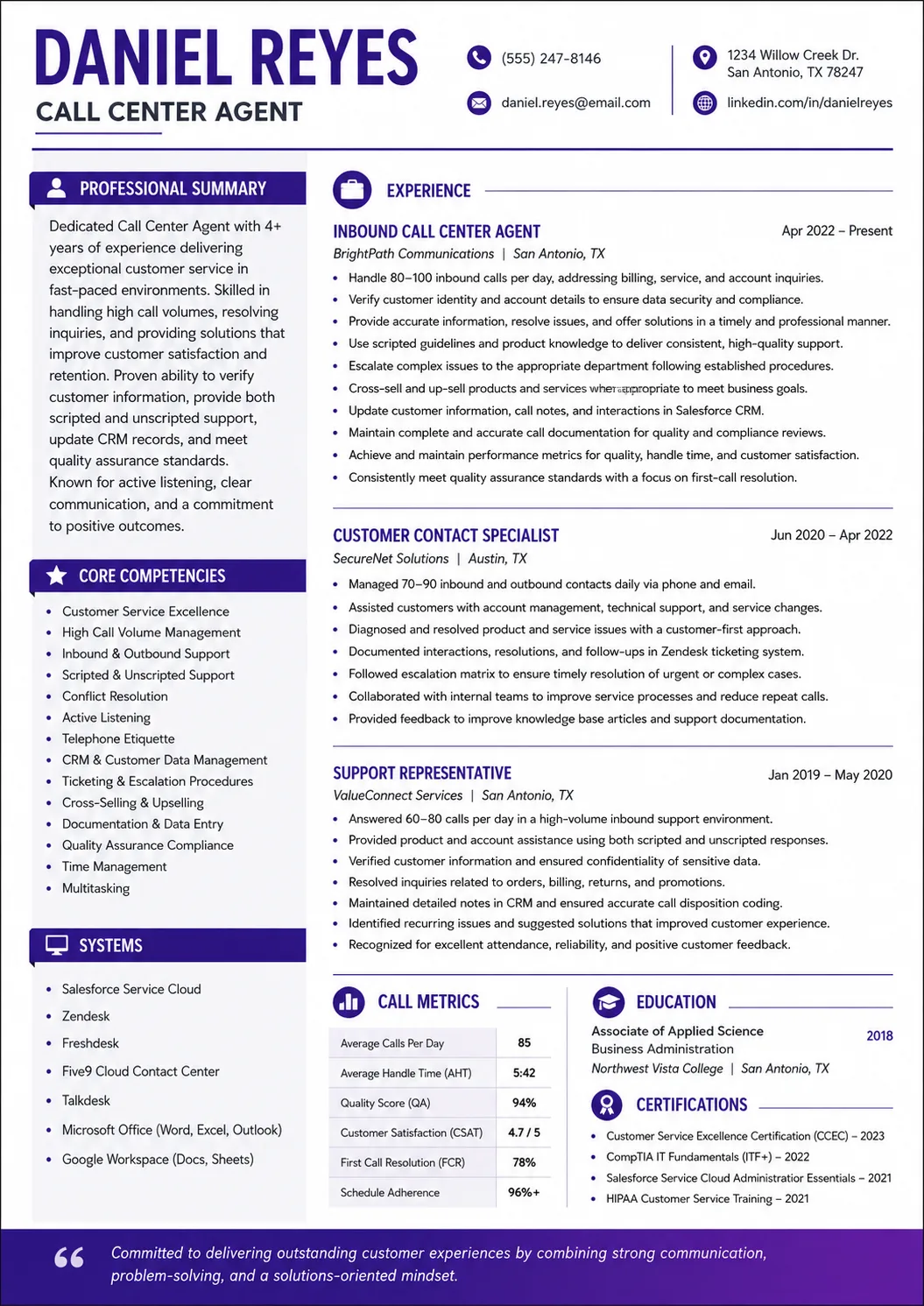
See how a call center agent resume can present role-specific strengths, relevant achievements, and clean formatting that is easy to adapt.
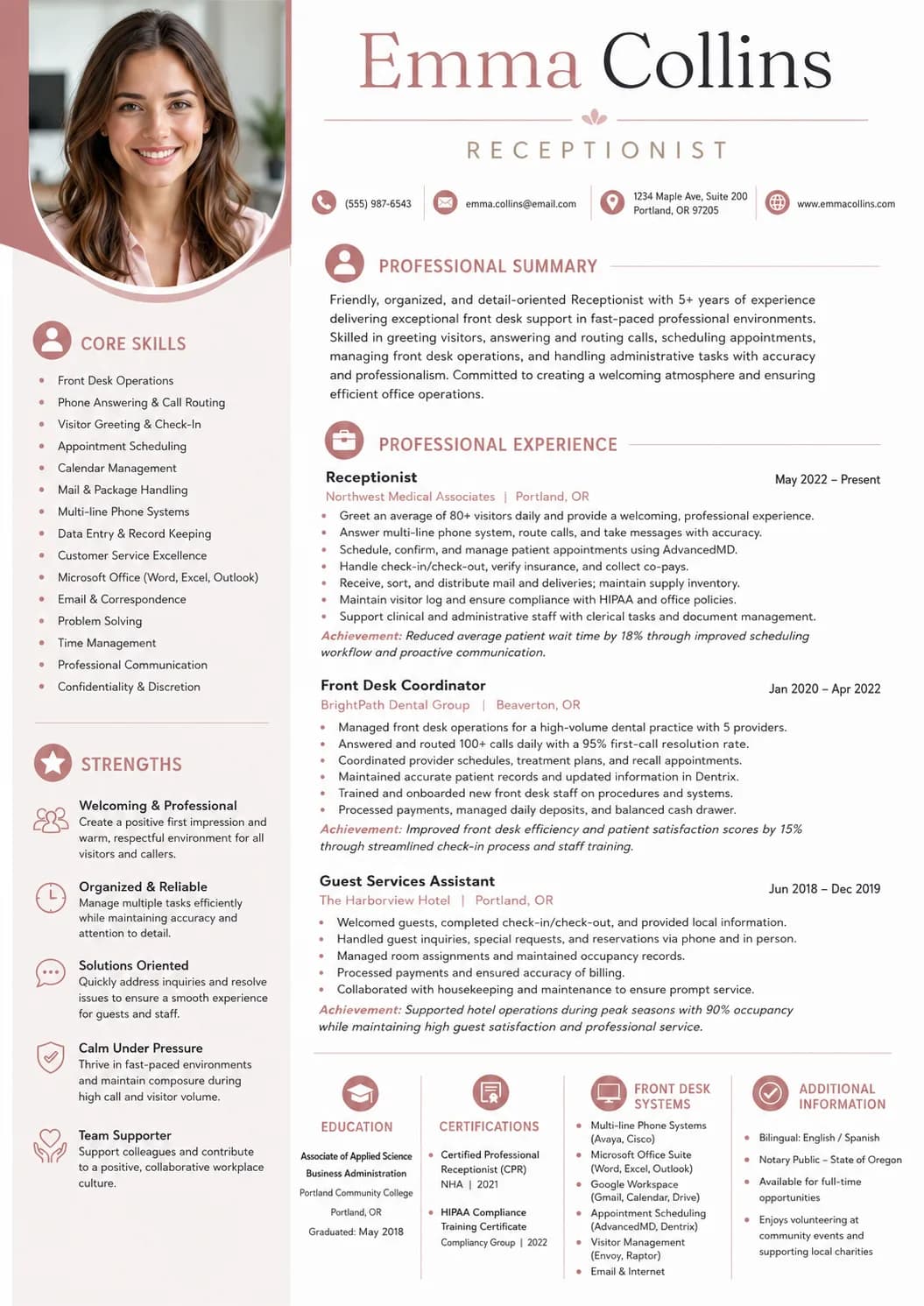
Use these receptionist resume examples to show front-desk support, call handling, and visitor care in a clear way.
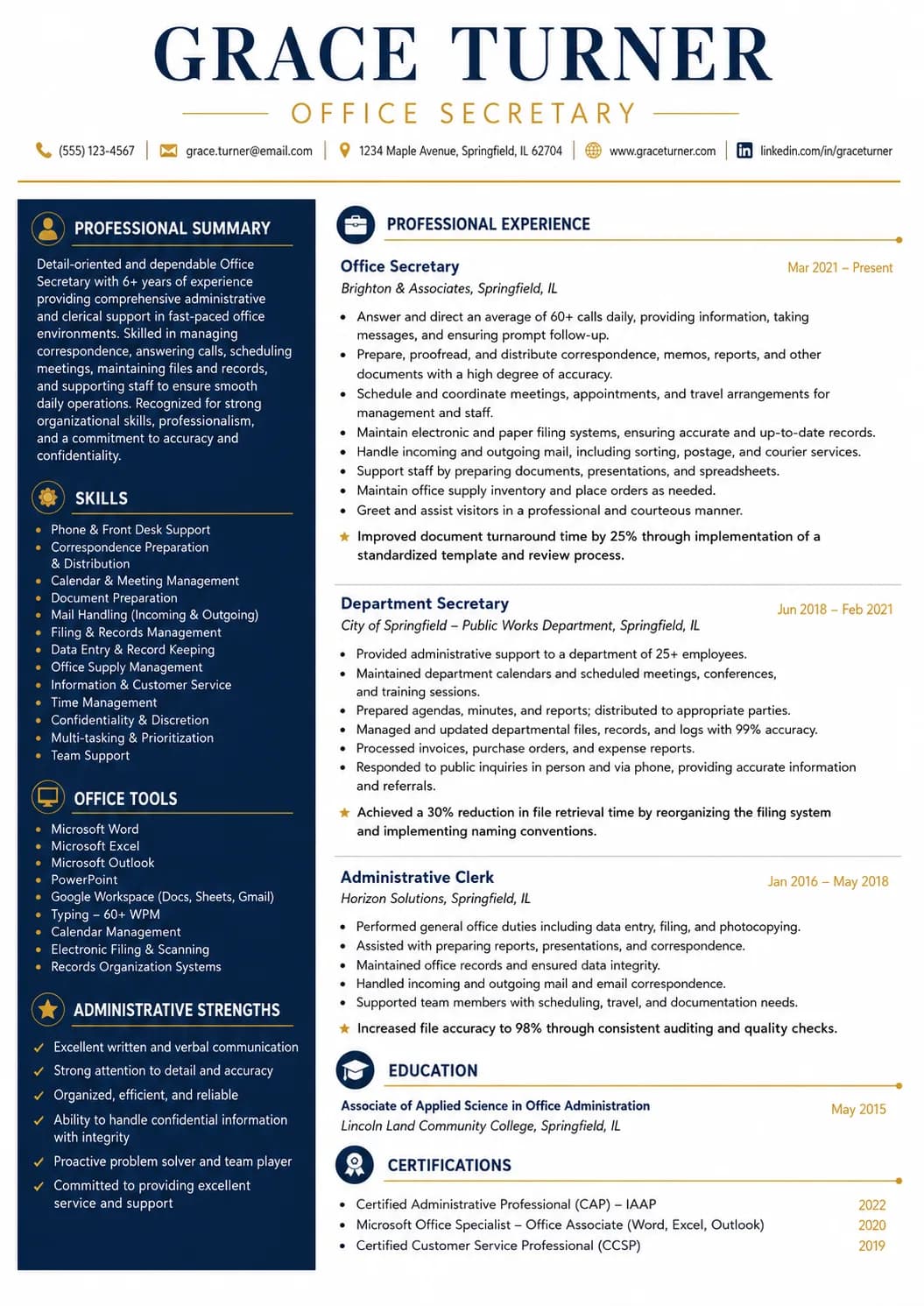
See how an office secretary resume can present role-specific strengths, relevant achievements, and clean formatting that is easy to adapt.
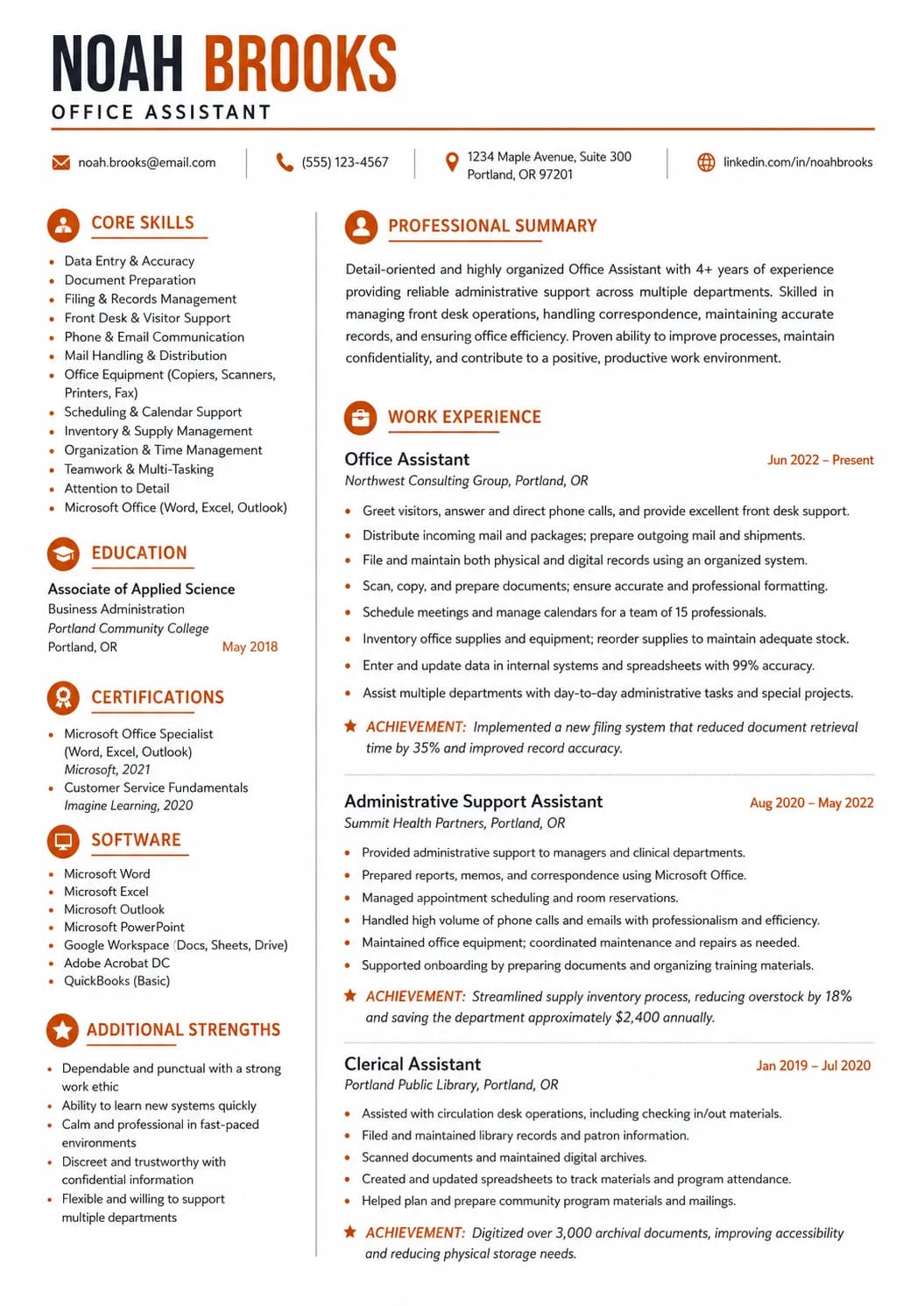
See how an office assistant resume can present role-specific strengths, relevant achievements, and clean formatting that is easy to adapt.
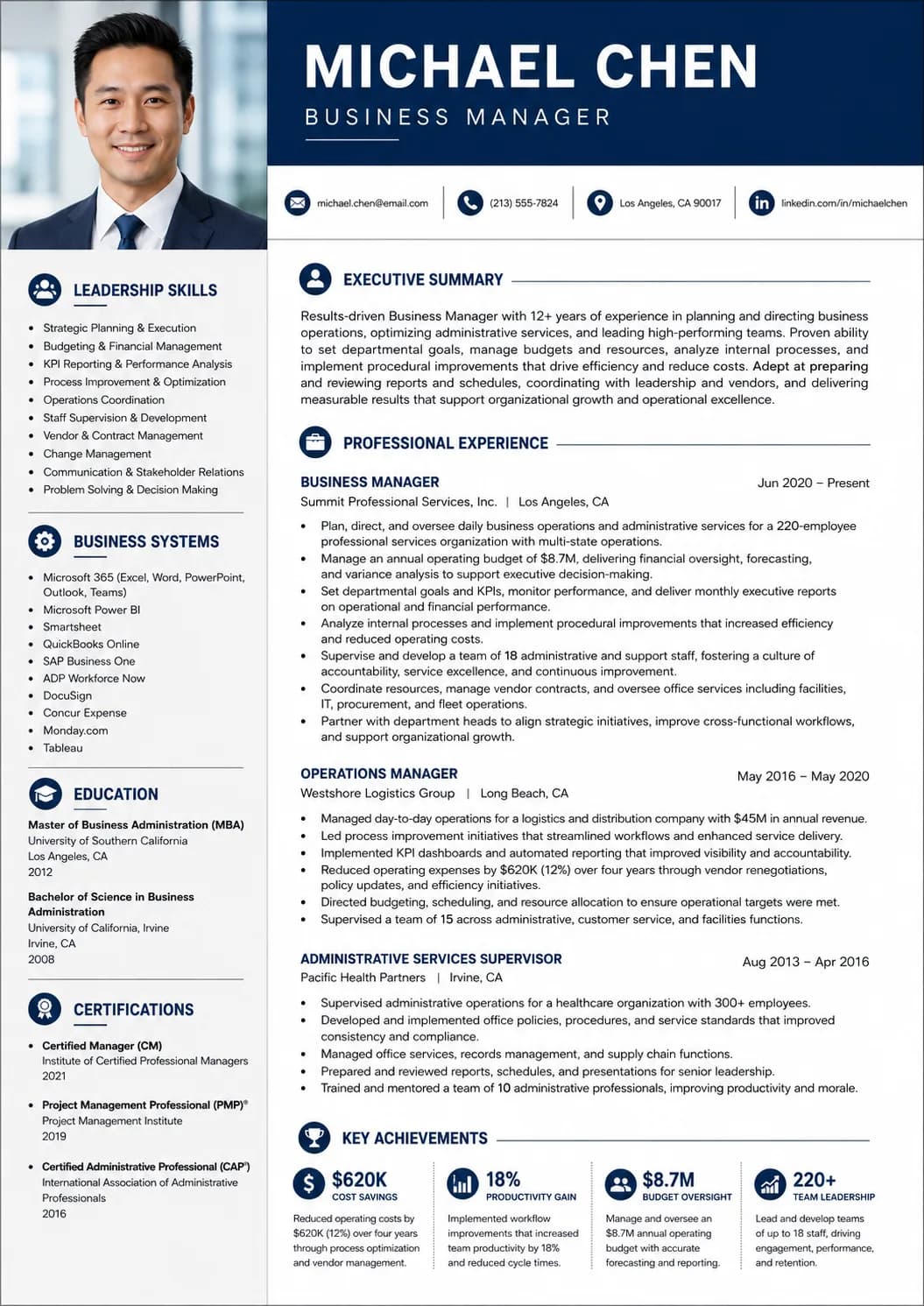
See how a business manager resume can present role-specific strengths, relevant achievements, and clean formatting that is easy to adapt.
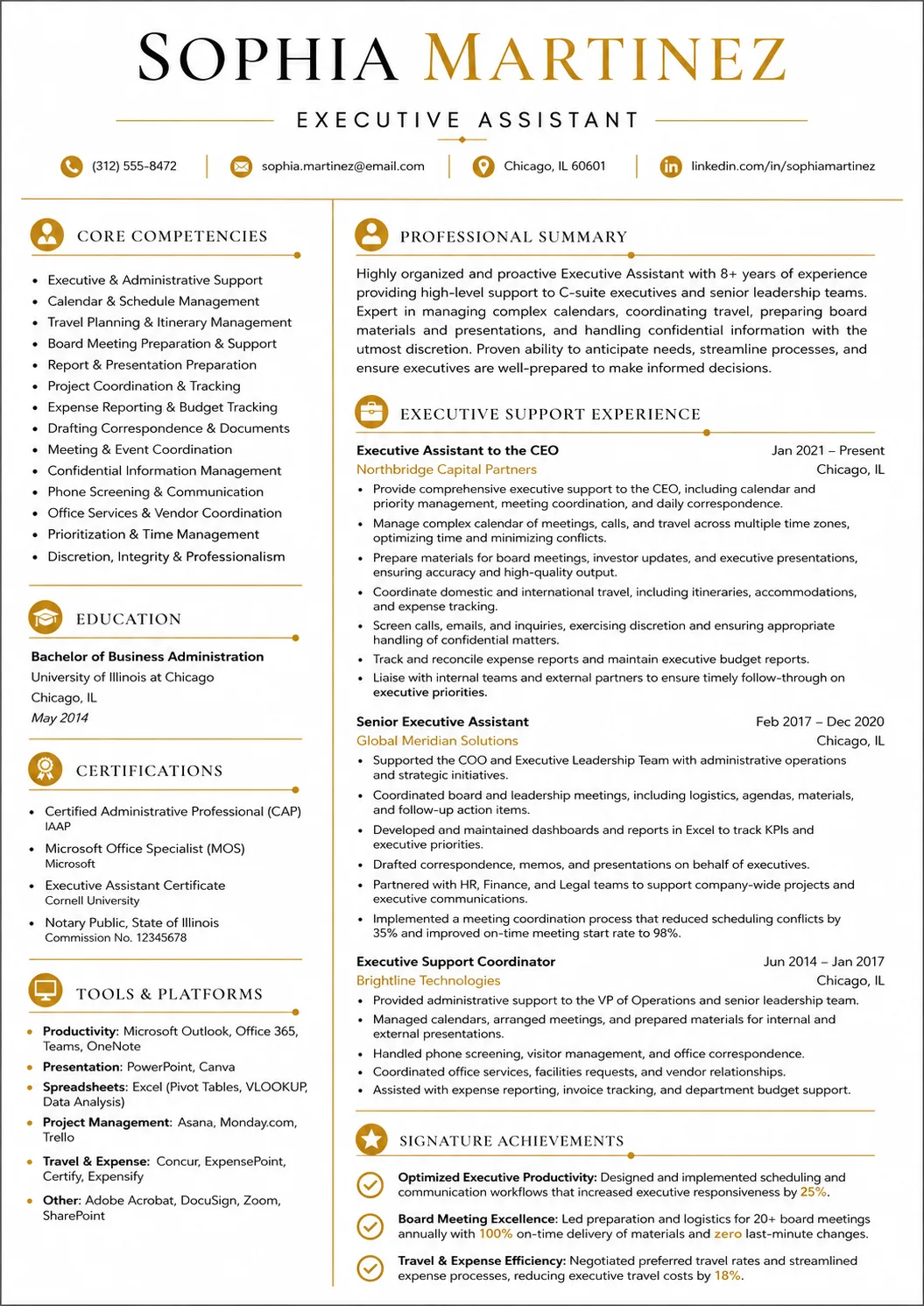
Use these executive assistant resume examples to show calendar control, travel planning, and leadership support in a clear way.
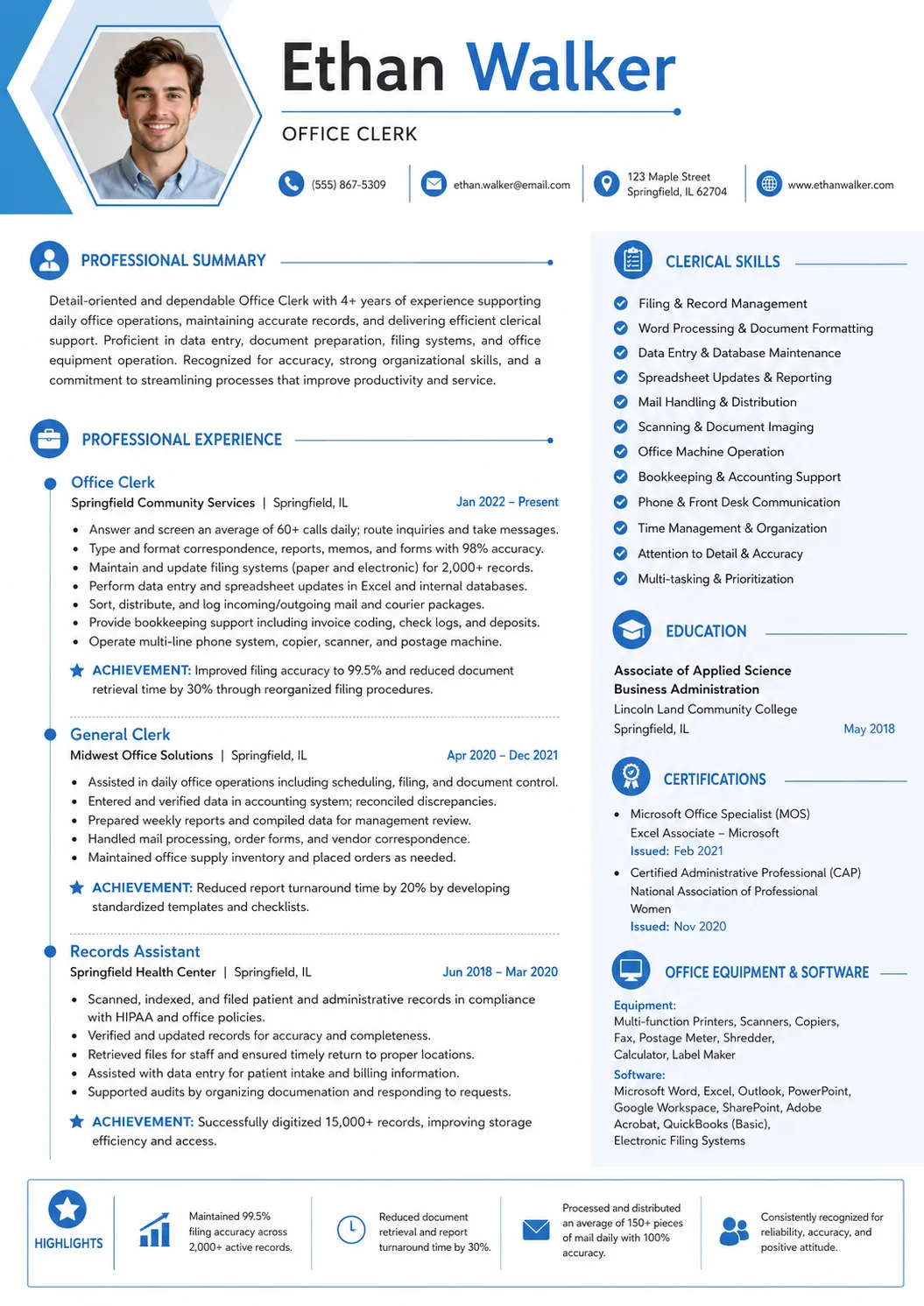
See how an office clerk resume can present role-specific strengths, relevant achievements, and clean formatting that is easy to adapt.
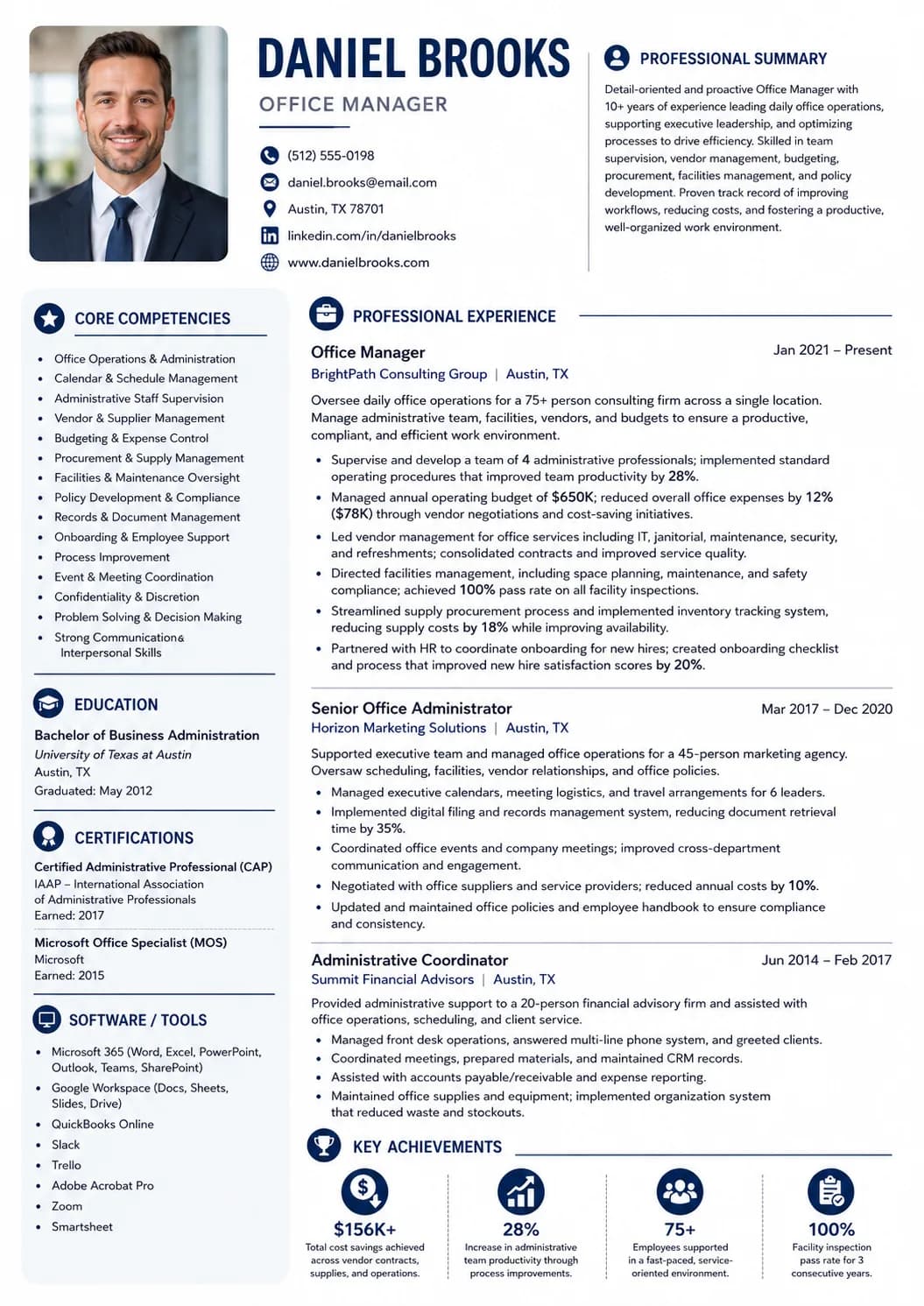
Use these office manager resume examples to show office operations, vendor support, and workplace coordination in a clear way.
Office Administrator Resume Playbook
Hiring teams scan for office administrators who can keep files current, track requests, support payroll or expense tasks, and make sure daily office work moves without confusion.
The best resumes show practical office control instead of broad admin claims. They make records, systems, and follow-through easy to see. This guide will show you how to:
An office administrator resume works best when it shows what you kept organized, what systems you used, and how your support kept people, paperwork, and requests on track.
Across current office administrator postings, the same proof points keep showing up:
Most office administrator resumes work best in reverse chronological order because hiring teams want to see recent office support first. Put the clearest records, schedules, and systems proof where it is easy to find.
If your strongest background comes from office assistant, front desk, or admin support work, move the most relevant records and coordination tasks higher so the connection is obvious.
If you are newer to office administration
If you already handle office processes
Your summary should quickly show what kind of office support you handle, what systems you use comfortably, and how your work keeps the day organized. Keep it short and practical.
Office administrator with 4 years of experience supporting records, schedules, expense tracking, and daily office coordination for busy teams. Strong record of accurate data entry, steady follow-up, and reliable support across office systems.
Experience is where your office value becomes easy to trust. The best bullets show what you handled, what systems you used, and how your support kept work accurate and on time for other people.
Show records, schedules, expenses, orders, or office systems with clear actions.
Use volume or timing details when you can prove them.
Keep each bullet focused on useful office outcomes instead of vague tasks.
Do not fill the section with broad office claims that could fit any support role.
Do not list every tiny admin task if it does not strengthen the story.
Do not hide the strongest records or finance proof inside long paragraphs.
Office Administrator, Brookside Distribution
Tampa, Florida | 2022 - Present
Administrative Coordinator, Larkspur Services
Tampa, Florida | 2020 - 2022
Office administrator skill sections work best when they sound like daily office work. Keep the list focused so hiring teams can spot systems, schedules, and records quickly.
Records and scheduling
Finance and systems
Daily office support
Most office administrator roles care more about office proof than a long education section. Keep the entry clean and let the support work carry the page.
If you have bookkeeping, payroll, or office-software training that strengthens the role fit, place it where a hiring team can find it easily.
Most office administrator resumes do not need formal certifications. Add training only when it supports the exact office work you want to do.
Bullet upgrade
Use the stronger version as the model: lead with a clear action, add context, and include the detail or outcome that proves the work mattered.
Weak
Helped with office records and scheduling.
Stronger
Updated employee files, tracked appointment changes, and kept payroll timesheets ready for review so office work stayed on schedule.
The stronger version shows records, timing, and dependable follow-through instead of a broad support claim.
Weak
Supported finance and supplier tasks.
Stronger
Prepared bank deposit paperwork, reconciled office expenses, and followed up with suppliers so orders and records stayed accurate.
This version makes the finance support and office control work easier to trust.
ATS keyword bank
Schools, recruiters, and applicant tracking systems often scan for exact role language. Use these terms only when they honestly match your background and results.
Mirror the employer wording for records, scheduling, finance support, and office systems only when it matches your real work.
Matching application
Pair this resume with a short cover letter that explains why you are a fit for the role, what proof from your background matters most, and why this employer should keep reading.
State clearly why you are a strong fit for this office administrator role.
Use one concrete example from the resume to prove your value quickly.
Close with why this employer or team is a strong match for your background.
Final review
Before you send your office administrator resume, review it against the job posting one last time.
A strong office administrator resume should make records, schedules, and reliable office follow-through clear right away.
Before You Start Writing
Ready to build
Use this guide as the outline for your own office administrator resume, then finish with a matching cover letter before you apply.